 En
En  বাং
বাং  Ar
Ar Fr
Fr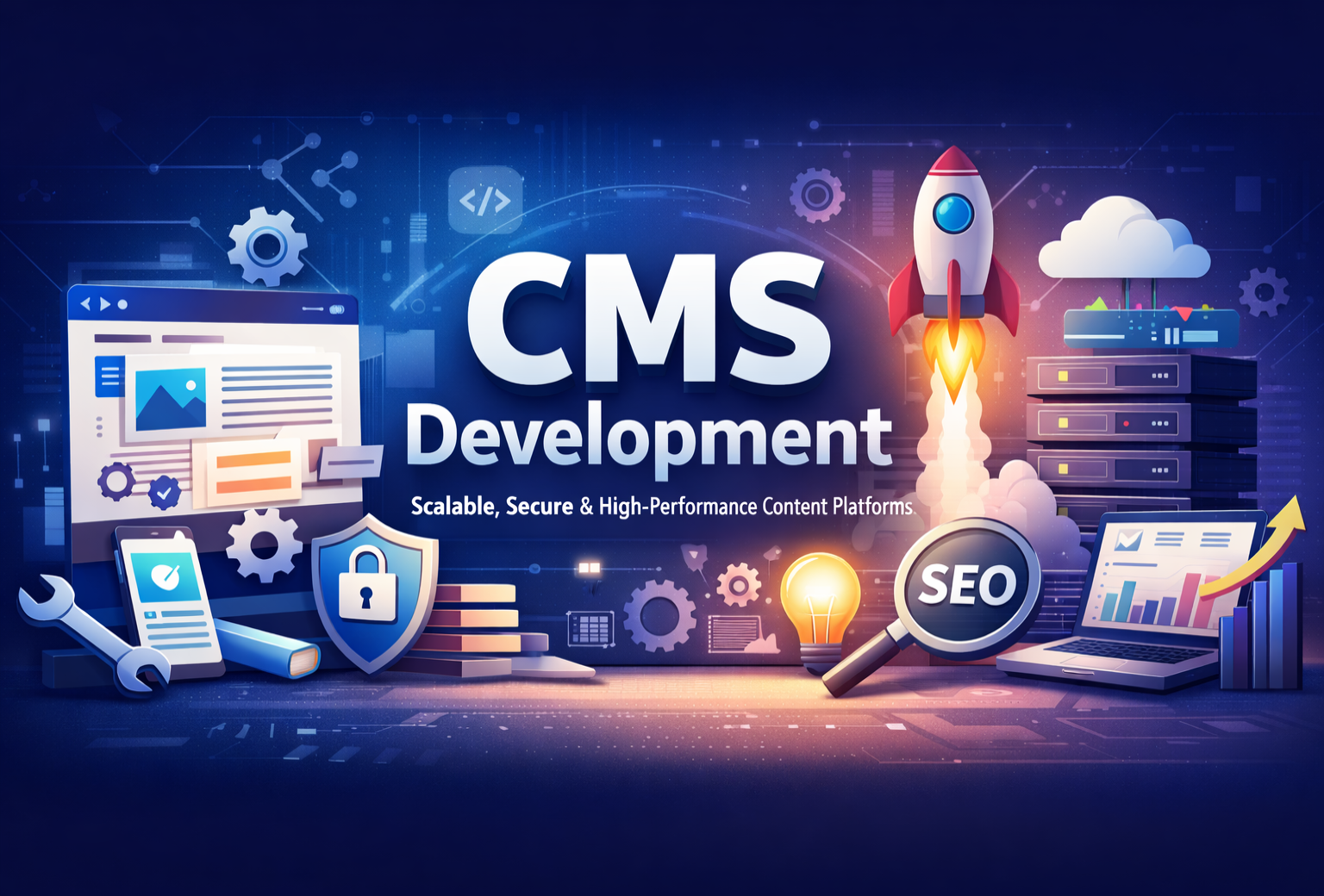
Custom Content Management System (CMS) Development
Take full control of your digital content with a smart and scalable CMS solution
- BDT 30,000/ One Time
- Category : Web Application
- Use Limit : Unlimited Users
- Demo : Contact Us for Demo
- Mobile : +8801912095925

Custom Content Management System (CMS) Development for Scalable Digital Growth
In today’s digital-driven business environment, content is one of the most valuable assets an organization owns. From websites and blogs to enterprise portals, eCommerce platforms, and SaaS products, content is the foundation of communication, branding, customer engagement, and digital growth. Managing this content efficiently, consistently, and strategically requires a powerful solution — a Content Management System (CMS).
A Content Management System (CMS) allows businesses to create, edit, organize, publish, and manage digital content without requiring deep technical expertise. Whether you are managing a simple website or a complex enterprise platform with thousands of pages and users, a well-designed CMS ensures control, flexibility, scalability, and efficiency.
This comprehensive guide explores CMS development in depth — covering its importance, features, types, technologies, development process, security considerations, SEO benefits, and future trends. If your goal is to build a high-performance, scalable, and business-driven content platform, this pillar content provides a complete roadmap.
What is a Content Management System (CMS)?
A Content Management System (CMS) is a software platform that enables users to create, manage, and modify digital content through an intuitive interface. It eliminates the need for coding knowledge, allowing non-technical users such as marketers, editors, and administrators to control content easily.
A CMS typically consists of two key components:
- Content Management Application (CMA): The user interface where content is created, edited, and organized.
- Content Delivery Application (CDA): The backend system responsible for delivering content to users through websites, apps, or APIs.
This separation of content creation and delivery ensures that teams can manage digital assets efficiently while maintaining performance and structure.
Why CMS Development is Critical for Modern Businesses
As businesses scale digitally, managing content manually becomes inefficient, inconsistent, and time-consuming. A CMS solves this challenge by providing a centralized system where all content can be created, managed, and published.
Organizations today need to publish content quickly, maintain consistency across channels, and adapt to changing user demands. A custom CMS enables businesses to achieve these goals while maintaining control over branding, structure, and performance.
Key reasons why CMS development is essential include:
- Centralized content management across platforms
- Faster content updates and publishing
- Improved collaboration among teams
- Reduced dependency on developers
- Enhanced SEO capabilities
- Scalability for growing digital needs
- Better content governance and control
Types of Content Management Systems
There are several types of CMS platforms, each designed for different use cases and technical requirements.
Traditional CMS
A traditional CMS combines content management and presentation in a single system. It is ideal for websites where content and design are tightly integrated.
Headless CMS
A headless CMS separates the backend content management from the frontend presentation layer. Content is delivered via APIs, allowing developers to use any frontend technology.
Decoupled CMS
A hybrid approach that offers backend control while still allowing flexibility in frontend delivery.
Enterprise CMS
Designed for large organizations, enterprise CMS platforms support complex workflows, multiple users, advanced permissions, and high scalability.
Open-Source CMS
Platforms like WordPress, Drupal, and Joomla provide flexibility and community support but may require customization for advanced needs.
Core Features of a Modern CMS
A powerful CMS should include a comprehensive set of features that enhance usability, performance, and scalability.
- User-friendly dashboard for easy navigation
- WYSIWYG content editor for non-technical users
- Media library for managing images and files
- Role-based access control for different user levels
- Version control and content history
- SEO tools for optimization
- Multi-language support for global reach
- API integration capabilities
- Workflow management and approval systems
- Backup and recovery systems
- Analytics and reporting integration
Benefits of Custom CMS Development
While off-the-shelf CMS platforms offer convenience, custom CMS development provides greater flexibility and long-term value.
Full Customization
A custom CMS is tailored to your business processes, ensuring that every feature aligns with your workflow.
Scalability
As your business grows, your CMS can evolve to handle increased content, traffic, and users.
Enhanced Security
Custom-built systems can include advanced security measures specific to your organization.
Performance Optimization
Custom CMS solutions can be optimized for speed, responsiveness, and efficiency.
Better Integration
Seamlessly integrate with CRM, ERP, marketing tools, payment systems, and third-party APIs.
Improved User Experience
A well-designed CMS enhances both admin usability and end-user experience.
Technologies Used in CMS Development
CMS development involves multiple layers of technology that work together to deliver a seamless experience.
Frontend Technologies
- HTML5, CSS3, JavaScript
Backend Technologies
- PHP (Laravel)
Database Systems
- MySQL
CMS Development Process
Building a CMS requires a structured approach to ensure quality and scalability.
Step 1: Requirement Analysis
Understand business goals, user roles, content types, and workflow requirements.
Step 2: System Architecture Design
Define database structure, system components, integrations, and scalability planning.
Step 3: UI/UX Design
Create user-friendly interfaces for both administrators and end users.
Step 4: Development
Build frontend and backend systems, APIs, and database structures.
Step 5: Testing
Ensure functionality, security, performance, and compatibility.
Step 6: Deployment
Launch the CMS on a secure server or cloud environment.
Step 7: Maintenance & Updates
Continuously improve features, fix bugs, and update security.
Security Best Practices in CMS Development
Security is critical for protecting content, user data, and system integrity.
- Secure authentication and authorization
- SSL encryption (HTTPS)
- Regular security updates and patches
- Protection against SQL injection and XSS
- Data backup and disaster recovery plans
- Role-based access control
- Monitoring and logging systems
SEO Advantages of CMS Platforms
A well-optimized CMS plays a vital role in improving search engine visibility.
- Easy meta tag management
- SEO-friendly URL structures
- Mobile responsiveness
- Fast loading speeds
- Structured content for better indexing
- Integration with analytics tools
With proper implementation, a CMS can significantly improve organic traffic and search rankings.
Future Trends in CMS Development
CMS development continues to evolve with new technologies and user expectations.
- AI-powered content automation and recommendations
- Headless CMS adoption for omnichannel delivery
- Cloud-native CMS platforms
- Voice search optimization
- Enhanced personalization and user targeting
- Integration with marketing automation tools
How to Choose the Right CMS Solution
Selecting the right CMS depends on your business goals, technical requirements, and scalability needs.
- Define your content strategy and workflow
- Evaluate scalability and performance needs
- Consider security requirements
- Check integration capabilities
- Assess ease of use for non-technical users
- Choose between custom or ready-made solutions
A well-chosen CMS can support long-term digital growth and operational efficiency.
A Content Management System is more than just a tool — it is a strategic platform that enables businesses to manage digital content effectively, improve collaboration, enhance user experience, and drive growth.
Investing in custom CMS development ensures flexibility, scalability, security, and long-term value. Whether you are building a website, a digital platform, or an enterprise solution, a well-designed CMS can transform how your organization manages and delivers content.
By adopting the right technologies, following best practices, and aligning with business goals, a CMS becomes a powerful engine for digital success.
Frequently Asked Questions (FAQ)
1. What is a CMS?
A CMS is a software system that allows users to create, manage, and publish digital content without coding knowledge.
2. What is the difference between traditional and headless CMS?
A traditional CMS combines frontend and backend, while a headless CMS delivers content via APIs without a fixed frontend.
3. Why should I choose a custom CMS?
A custom CMS offers better flexibility, scalability, security, and alignment with your business needs.
4. Is CMS secure?
Yes, when implemented with proper security measures such as encryption, authentication, and regular updates.
5. Can a CMS improve SEO?
Yes, a CMS provides tools and structure that help optimize content for better search engine rankings.
We are always ready to assist you. Please feel free to contact us for any support, consultation, or inquiries — our team is here to help you every step of the way.
Choose Your Package Plans
Custom Content Management System (CMS) Development Price Plans
Yes, we develop custom E-commerce platforms and Content Management Systems (CMS) that are scalable, secure, and easy to manage.
Yes, we specialize in custom software solutions including ERP, CRM, Inventory Management Systems, Online POS, Pharmacy Management Systems, and Co-operative Society Management Systems tailored to your business needs.